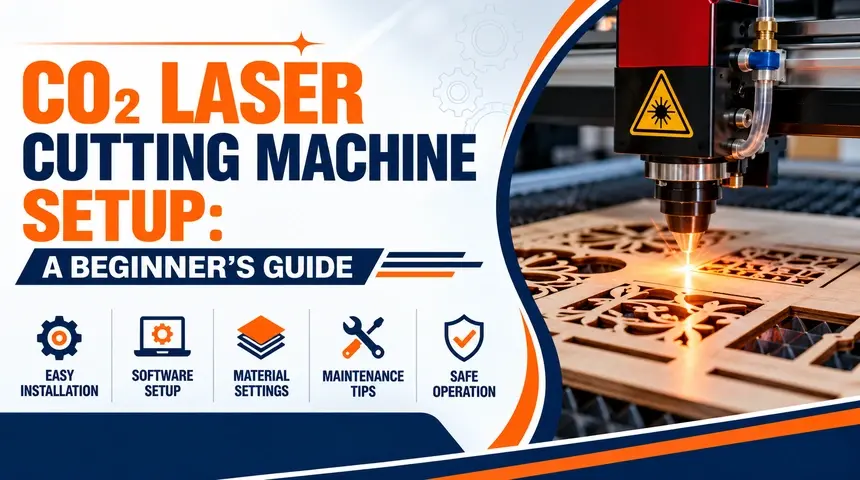
CO₂ Laser Cutting Machine Setup: A Beginner’s Guide
Introduction
Setting up a CO₂ laser cutting machine correctly is essential for achieving accurate cuts, consistent results, and safe operation. Whether you are starting a new workshop or adding laser cutting to your manufacturing process, understanding the machine’s basic components, installation requirements, material settings, and maintenance needs can help you get started with confidence.
A successful setup begins with choosing a machine that suits your materials and production requirements. Before purchasing, consider the working area, laser power, cooling system, ventilation, software compatibility, and technical support. You can explore Paratech Industries’ CO₂ Laser Cutting Machine to learn more about its available solution and confirm the specifications for your intended application.
Understanding the Main Components of a CO₂ Laser Cutting Machine
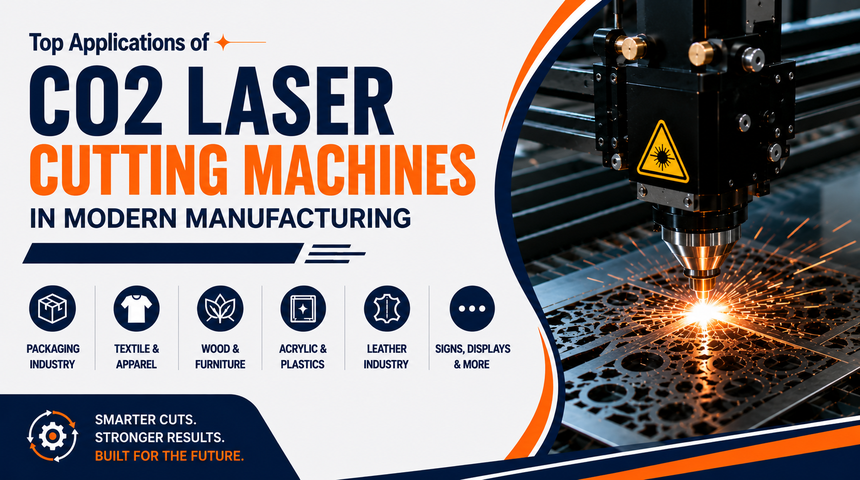
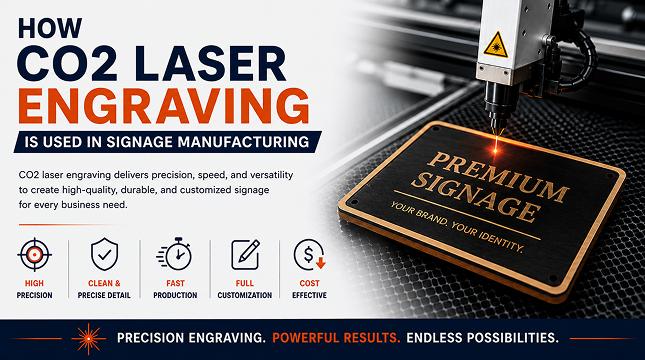
A CO₂ laser cutting machine typically includes a laser source, cutting head, mirrors or beam-delivery optics, focusing lens, worktable, motion system, controller, and exhaust system. Depending on the machine design, it may also include a cooling unit and an air-assist system. Each component contributes to the cutting process, from directing and focusing the laser beam to controlling movement and removing smoke from the work area.
Before installation, review the manufacturer’s manual to understand the function of each component and its operating requirements. Make sure you know how to use the control panel, set the origin, load a design, and stop the machine safely. Avoid adjusting internal optical components or electrical systems unless you are trained and authorised to do so.
Preparing the Installation Area
Choose a stable, level location with sufficient space for the machine, material loading, routine maintenance, and operator access. The installation area should meet the manufacturer’s requirements for temperature, humidity, electrical supply, and ventilation. Keep the machine away from excessive dust, moisture, and obstructions that could interfere with safe operation.
Proper ventilation is particularly important because laser cutting can produce smoke, fumes, and airborne particles. Install a suitable exhaust system according to the manufacturer’s instructions and applicable workplace safety requirements. The electrical supply, grounding, and cooling arrangements should be checked by qualified personnel before the machine is switched on.
Connecting the Cooling and Exhaust Systems
Many CO₂ laser cutting machines require a cooling system to keep the laser source within its specified operating temperature. Depending on the model, this may involve a water chiller or another manufacturer-approved cooling arrangement. Connect the cooling equipment according to the supplied manual, check the coolant requirements, and verify proper circulation before enabling the laser. Never operate a machine that requires active cooling without it.
The exhaust system removes smoke and fumes generated during cutting. Install the recommended extraction equipment and ducting, then check for secure connections and adequate airflow. Air assist may also be required to help remove debris from the cutting area and improve cutting consistency. Keep cooling and extraction systems operating as instructed during processing.
Installing the Software and Preparing Design Files
A CO₂ laser cutting machine typically uses control software to import designs, set job parameters, and send cutting instructions to the machine. Install the software recommended by the manufacturer and confirm that it supports your machine’s controller. Depending on your workflow, designs may be prepared in compatible vector graphics or CAD software before being imported.
Before running a job, check the design dimensions, line settings, cutting paths, and material placement. Make sure the material fits within the machine’s working area and that the cutting head can move through the intended path without obstruction. Start with a simple test design to become familiar with the software and machine controls.
Choosing the Right Material and Cutting Settings
The correct settings depend on the material, its thickness, the laser power, the lens, and the machine configuration. Power, speed, focus, and air assist all affect cutting quality. Higher power does not automatically produce better results, and settings that work for one material may not work for another.
Use only materials confirmed as safe and compatible by the machine manufacturer. Never laser-cut PVC, vinyl, or unidentified plastics because they can release hazardous substances. Begin with the manufacturer’s recommended settings and perform supervised test cuts on approved scrap material before starting production.
Performing the First Test Cut
Once installation and safety checks are complete, run a small test job using a manufacturer-approved material. Confirm that the workpiece is secured, the enclosure and safety interlocks are functioning, cooling is active where required, and the exhaust system is operating. Check the focus and starting position according to the machine manual before beginning.
Stay beside the machine throughout the cutting process. Watch for unusual noise, excessive smoke, unexpected flames, or inconsistent cutting. Stop the job immediately if anything appears abnormal. After the test, inspect the cut edges and adjust settings only within the manufacturer’s recommended operating range.
CO₂ Laser Cutting Machine Maintenance
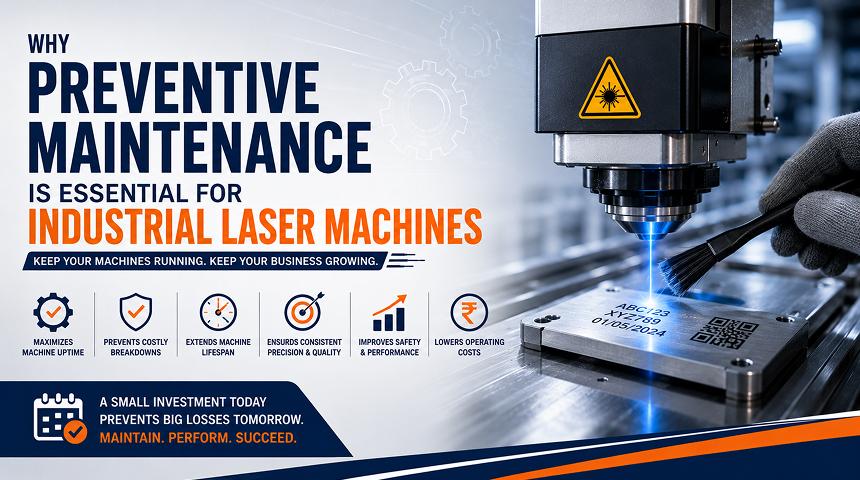
Regular maintenance helps preserve cutting quality and reduce unexpected downtime. Keep the worktable clean, remove material debris after use, and inspect the lens and mirrors according to the manufacturer’s cleaning instructions. Check cooling connections, exhaust ducts, air-assist components, and electrical connections for signs of wear or damage.
Keep a record of maintenance activities, test results, and settings that work well for approved materials. Any internal electrical work, laser-source repairs, or optical alignment beyond routine operator maintenance should be handled by qualified technicians. Follow the manufacturer's maintenance schedule for your specific machine.
CO₂ Laser Cutting Machine vs Fiber Laser Cutting Machine
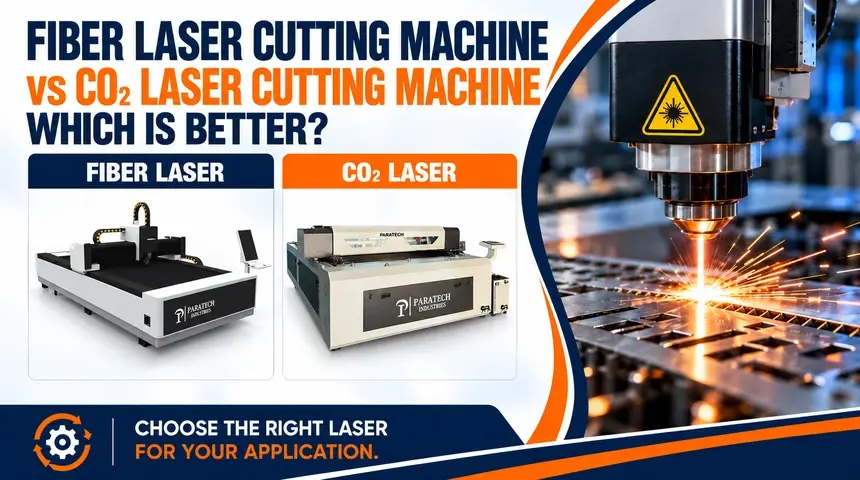
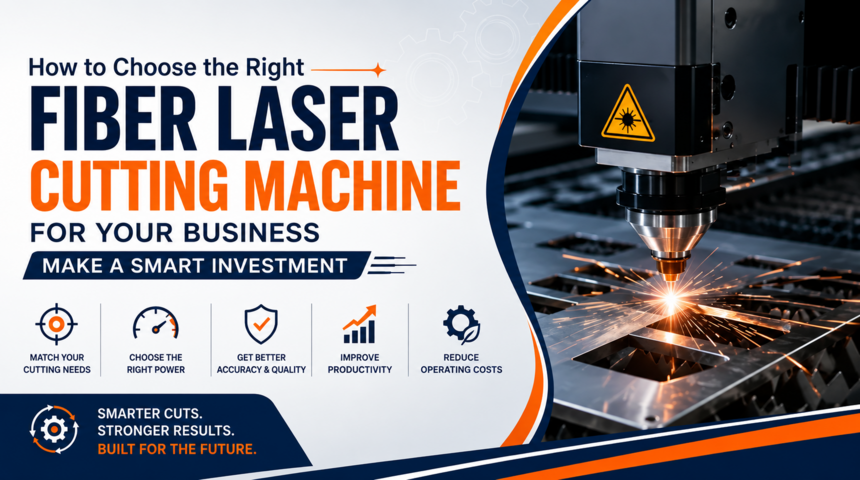
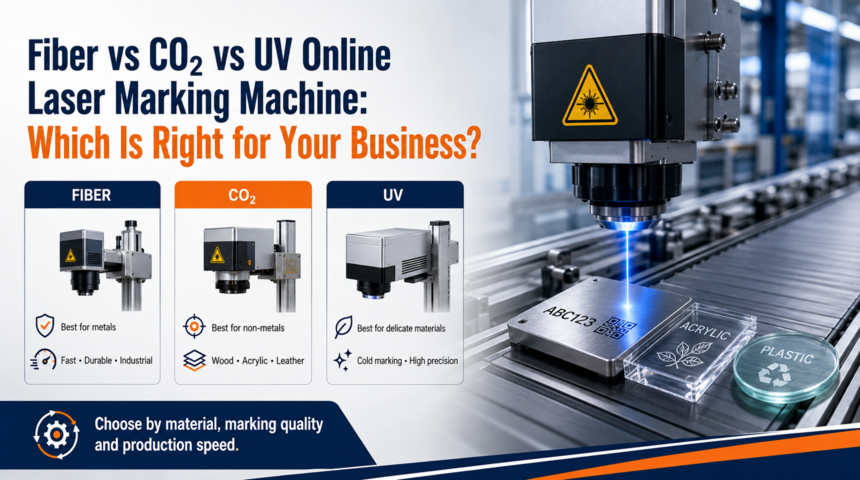
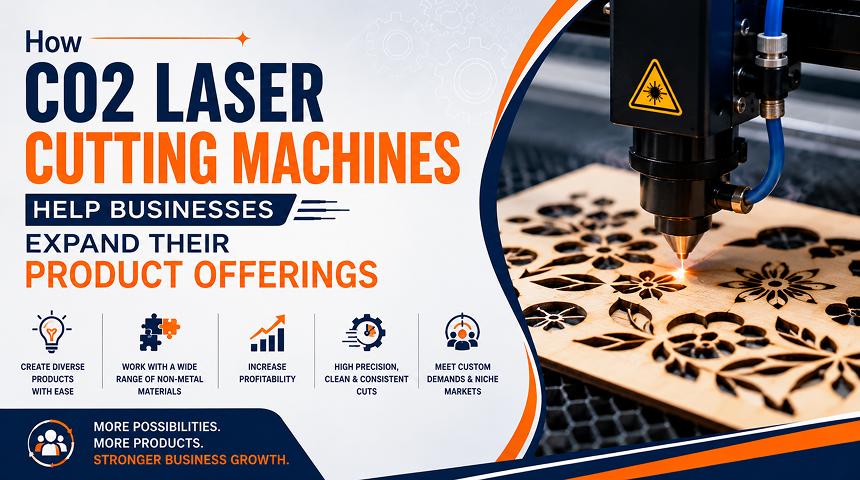
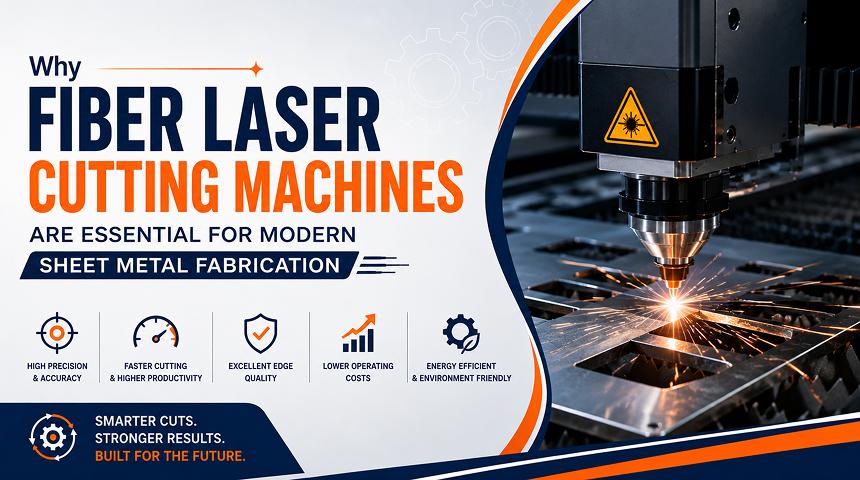
CO₂ and fiber laser cutting machines serve different manufacturing needs. CO₂ systems are widely used for cutting compatible non-metallic materials, such as acrylic and wood, while fiber laser systems are generally preferred for industrial metal cutting, including many sheet-metal applications.
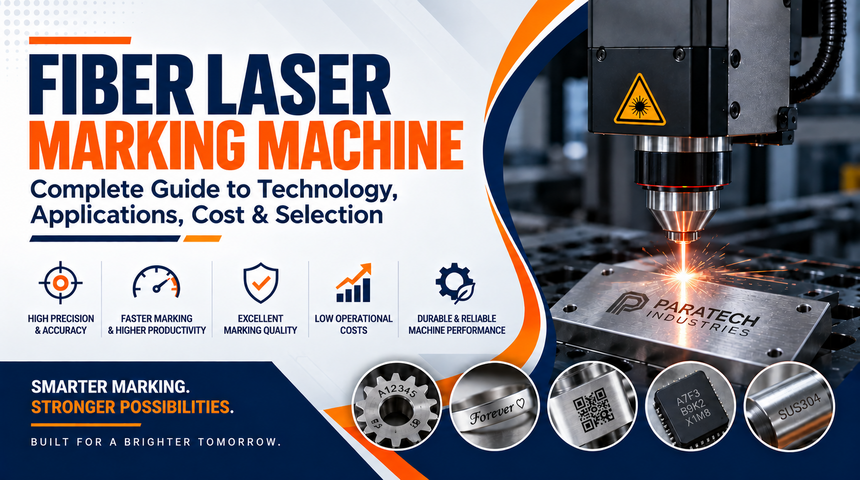
If your production primarily involves metal sheets or metal components, explore the Fiber Laser Cutting Machine by Paratech Industries. If your work involves compatible non-metal materials, review the CO₂ Laser Cutting Machine. For businesses that need marking rather than cutting, Paratech also offers a Laser Marking Machine.
Conclusion
Setting up a CO₂ laser cutting machine involves more than connecting the equipment. Proper installation, cooling, ventilation, software configuration, material selection, and regular maintenance all contribute to reliable performance and safe operation. Follow the manufacturer's instructions and test approved materials before beginning production. Visit Paratech Industries to explore laser equipment for your business requirements.
FAQs
What do I need to set up a CO₂ laser cutting machine?
You typically need a suitable installation area, compatible power supply, cooling system where required, exhaust ventilation, control software, and approved materials.
Does a CO₂ laser cutting machine need cooling?
Many CO₂ laser machines require cooling to maintain the laser source's operating temperature. Follow the requirements for your specific model.
Which materials can a CO₂ laser cutting machine cut?
Depending on the machine, compatible materials may include acrylic, wood, leather, and certain fabrics. Always verify material safety and compatibility before cutting.
Why is ventilation important for a CO₂ laser cutter?
Ventilation removes smoke, particles, and potentially hazardous fumes produced during cutting. Use a suitable exhaust system designed for your machine and materials.
How do I improve CO₂ laser cutting quality?
Use approved materials, correct focus, manufacturer-recommended settings, effective extraction, and regular maintenance. Test settings on scrap material before production.